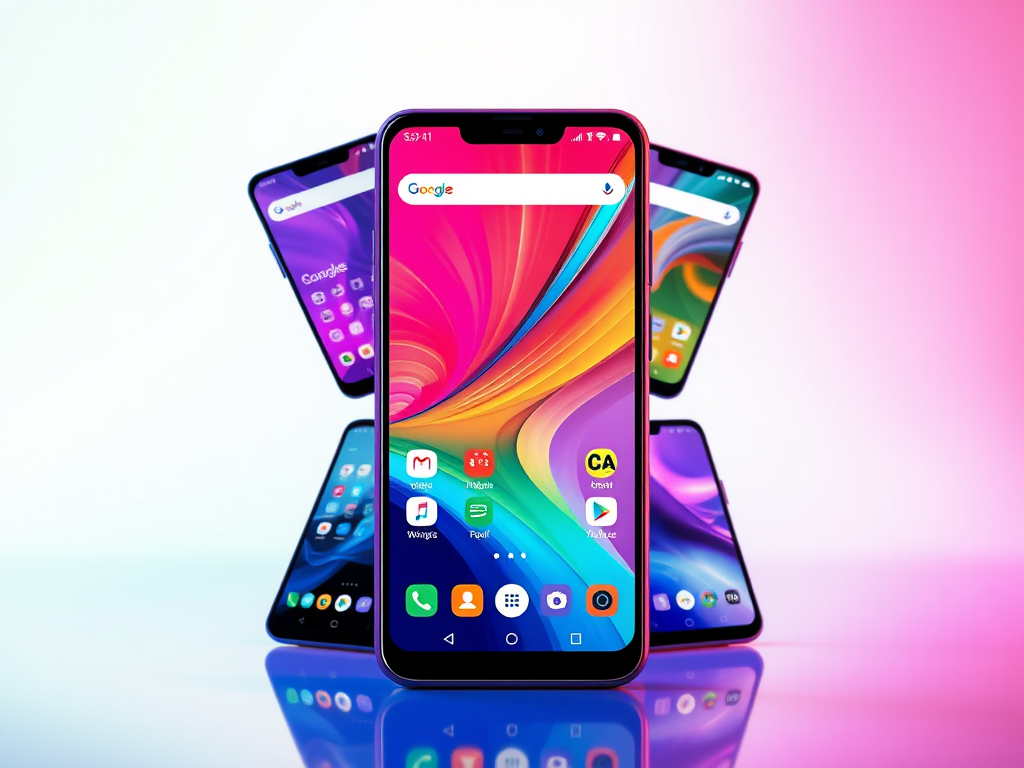
When it comes to Android, one of its most powerful advantages is the freedom to customize. Unlike other mobile operating systems, Android lets users redefine their home screen experience entirely—with the help of third-party launchers.
However, not all launchers are built the same. Some are bloated with features that drain your battery, slow your device, or consume excess RAM and CPU. For users seeking speed, performance, and efficiency—especially on older or mid-range devices—lightweight launchers are essential.
At RS Tech, we’ve tested and selected the best Android launchers that not only offer smooth performance and minimal system resource usage but also enhance productivity and visual appeal. Whether you’re after deep customization, minimalist design, or seamless PC integration, this comparison covers the top launchers worth considering in 2025.
Let’s dive into the best and fastest Android launchers that strike the perfect balance between performance and functionality.
🎯 1. Microsoft Launcher
Why it’s #1: seamless Windows-PC integration with minimal resource usage.
Key Specs
- RAM use: ~50 MB idle
- APK size: ~50 MB
- Android requirement: 5.0+
- CPU impact: low background processes
- Unique features:
- Universal search (apps, contacts, web)
- File sync + clipboard sharing with Windows
- Customizable feeds & themes
Download:
🔄 2. Nova Launcher
A fan-favorite known for deep customization, speed, and light resource footprint.
Key Specs
- RAM: ~30–40 MB idle
- APK size: ~5 MB (free) / Prime ~6 MB
- Android requirement: 4.0+
- CPU: < 5% typical
- Prime features:
- Hide apps, unread badges, custom gestures
Download:
🚀 3. Smart Launcher 5
Balances auto-theme support with low resource usage.
Key Specs
- RAM: ~35 MB
- APK size: ~10 MB
- Android requirement: 5.0+
- CPU: minimal, smooth animations
- Standouts:
- Automatic accent color matching
- Shortcut gestures (double‑tap, swipe)
Download:
🌐 4. Pixel Launcher
The clean, official Google experience with minimal background impact.
Key Specs
- RAM: ~25 MB
- APK size: ~10 MB
- Android requirement: 8.0+ (GApps)
- CPU: near-negligible
- Features:
- Google Feed swipe right
- Fresh Pixel wallpapers & shortcuts
Download:
🧭 5. Apex Launcher
Best for power users wanting customization previews and performance.
Key Specs
- RAM: ~40 MB idle
- APK size: ~10 MB
- Android requirement: 4.4+
- CPU: low with optimization
- Key offerings:
- Preview themes/settings before applying
- Scrollable dock, app hide function
Download:
📈 6. Arrow Launcher
A lightweight Microsoft-made launcher emphasizing productivity.
Key Specs
- RAM: ~45 MB
- APK size: ~15 MB
- Android requirement: 4.0.3+
- CPU: efficient — background sync only
- Highlights:
- Built-in Wunderlist/task integration
- Timeline of recent activity, docs/apps
Download:
💎 7. Smart Launcher Pro 3
Advanced customization in a low-footprint package (paid).
Key Specs
- RAM: ~30–40 MB
- APK size: ~12 MB
- Android requirement: 4.2+
- CPU: nominal
- Extra perks:
- 9 home screens + extra drawer animations
- Password‑protect apps & TV compatibility
Download:
- Google Play – Smart Launcher Pro 3
- [In-app upgrade from free Smart Launcher 5]
📦 8. CM Launcher
Rich theme ecosystem, but watch for ads and background modules.
Key Specs
- RAM: ~60 MB (ads included)
- APK size: ~15 MB
- Android requirement: 4.2+
- CPU: low when idle
- Features:
- Huge theme/icon packs
- Beta testing community access
Download:
🔮 9. GO Launcher
Loaded with visual flair and 10 000+ themes, yet remains lightweight.
Key Specs
- RAM: ~50–60 MB
- APK size: ~15 MB
- Android requirement: 2.3+
- CPU: < 10% typical
- Main features:
- 3D engine effects
- App hide/password protection
- Premium theme support (in-app)
Download:
🏁 Final Verdict at RS Tech
All of these launchers are optimized for low CPU/RAM impact. Choose based on your needs:
- Windows-PC syncing 🔁 → Microsoft Launcher or Arrow
- Deep customization → Nova, Apex, Smart 5/Pro
- Minimalist stock feel → Pixel
- Visual themes-heavy → GO, CM


Leave a comment