Author: ruisousa08
-
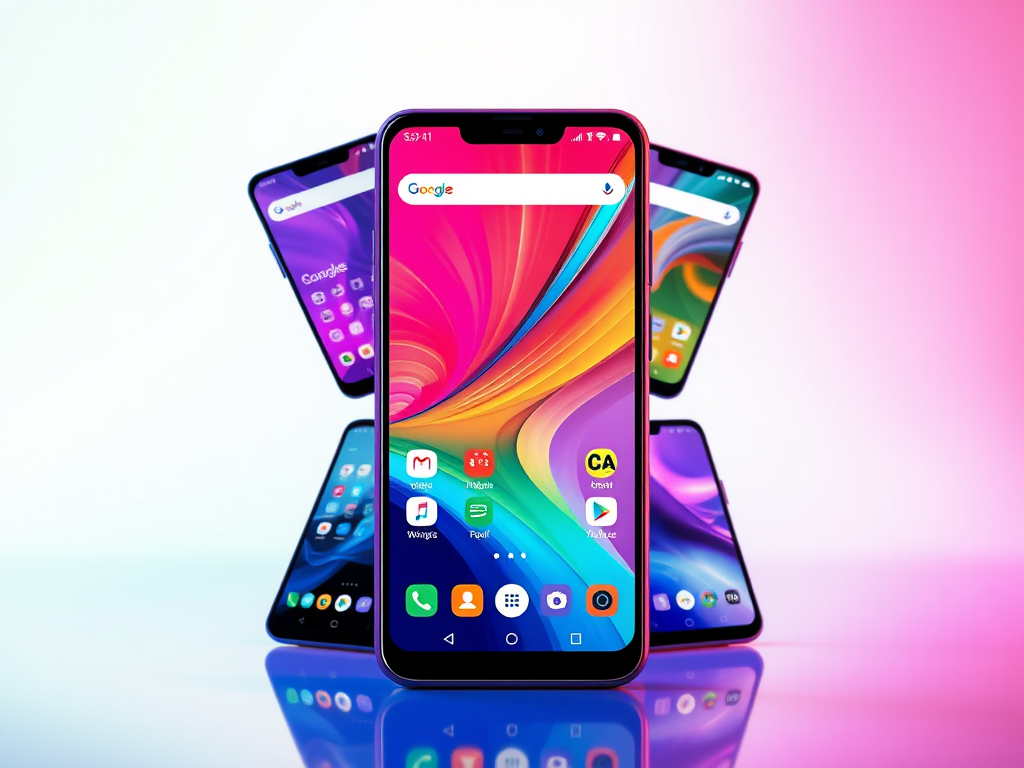
Best android launchers for all phones 2025
Android offers extensive customization, especially through third-party launchers. However, some can negatively impact device performance. RS Tech reviews lightweight launchers emphasizing speed, efficiency, and usability for 2025. Highlights include Microsoft Launcher for Windows integration, Nova Launcher for customization, and Pixel Launcher for a minimal experience. Optimize your Android experience with these top picks.
-
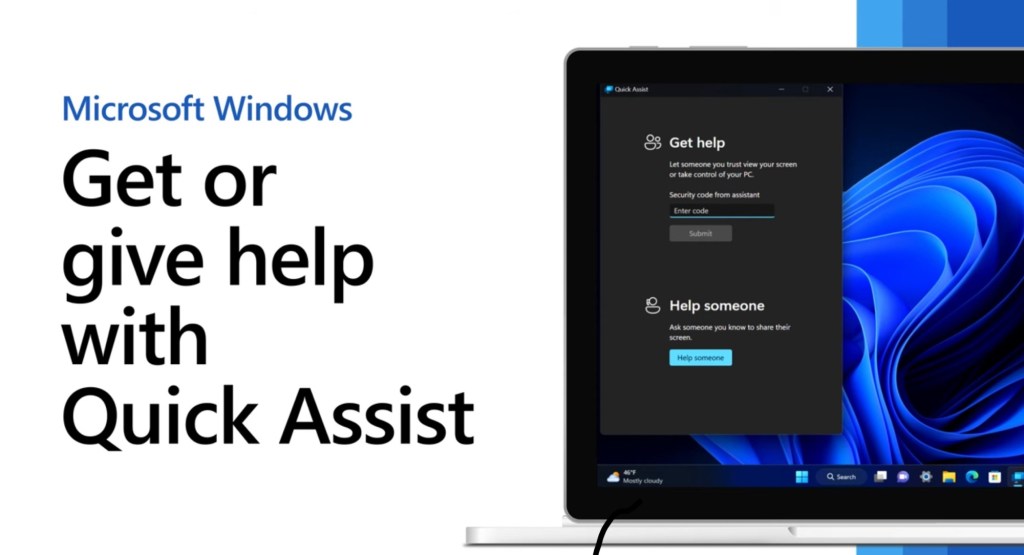
Quick Assist – Built in remote software
Microsoft Quick Assist is a free built-in Windows tool that enables secure remote assistance without the need for third-party software. Here’s how to access and utilize it effectively. Why it stands out: No extra software required — it’s already in Windows. Fast and simple — ideal for quick troubleshooting, setups, and support sessions. Secure by…
-
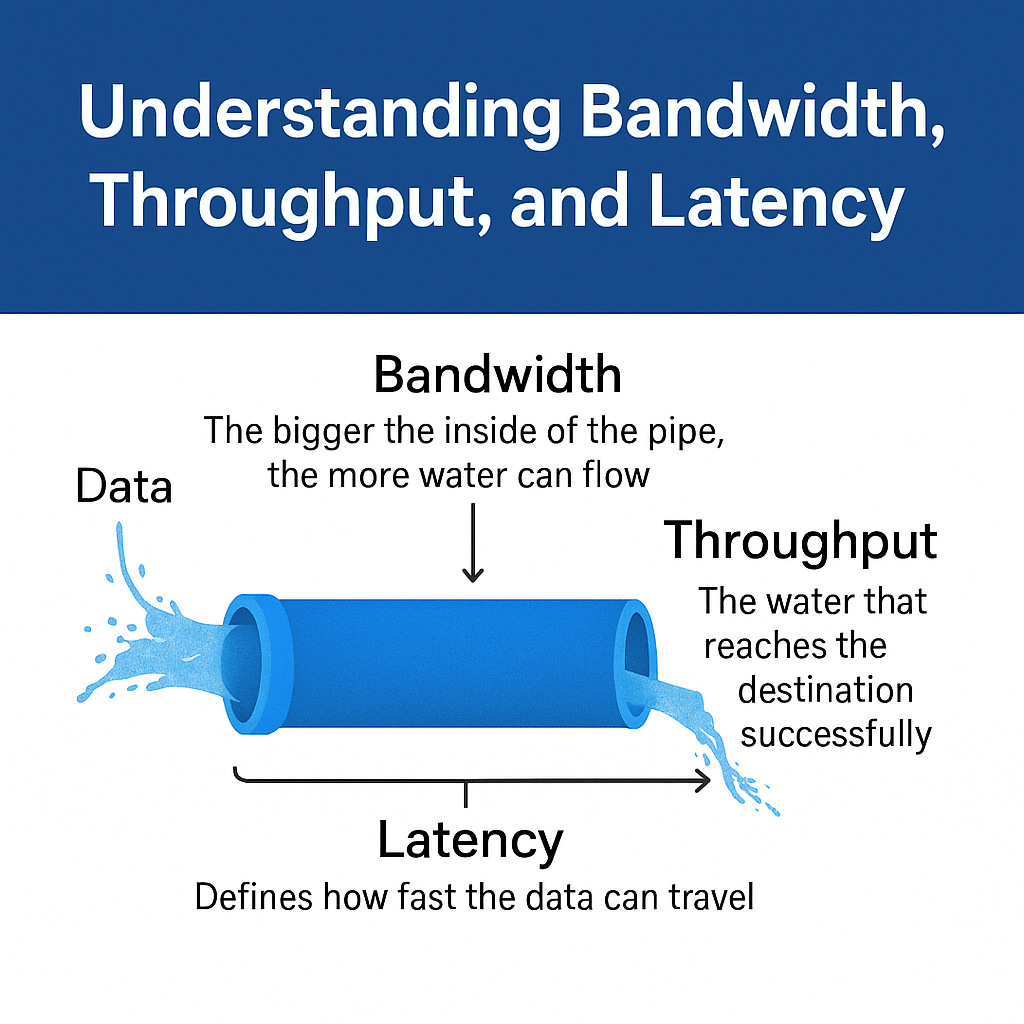
Why Network Speed Isn’t Just About Bandwidth: The Real Meaning Behind Throughput and Latency
Internet speed encompasses bandwidth, throughput, and latency, each crucial for a smooth online experience. Bandwidth refers to potential capacity, while throughput is the actual data transferred. Latency indicates delay in data transmission. As digital connectivity increases, optimizing throughput through upgraded hardware and network management becomes essential for effective internet use.
-

Home Assistant: Automate Your Daily Routines
I’m using Home Assistant for all my automations. If you are just getting started with Home Assistant, then check out the getting started with Home Assistant video. Phone Alarm Integration Having my wake up automation dynamically change to what my phone alarm is set to has been great. I only need to worry about setting my…
-
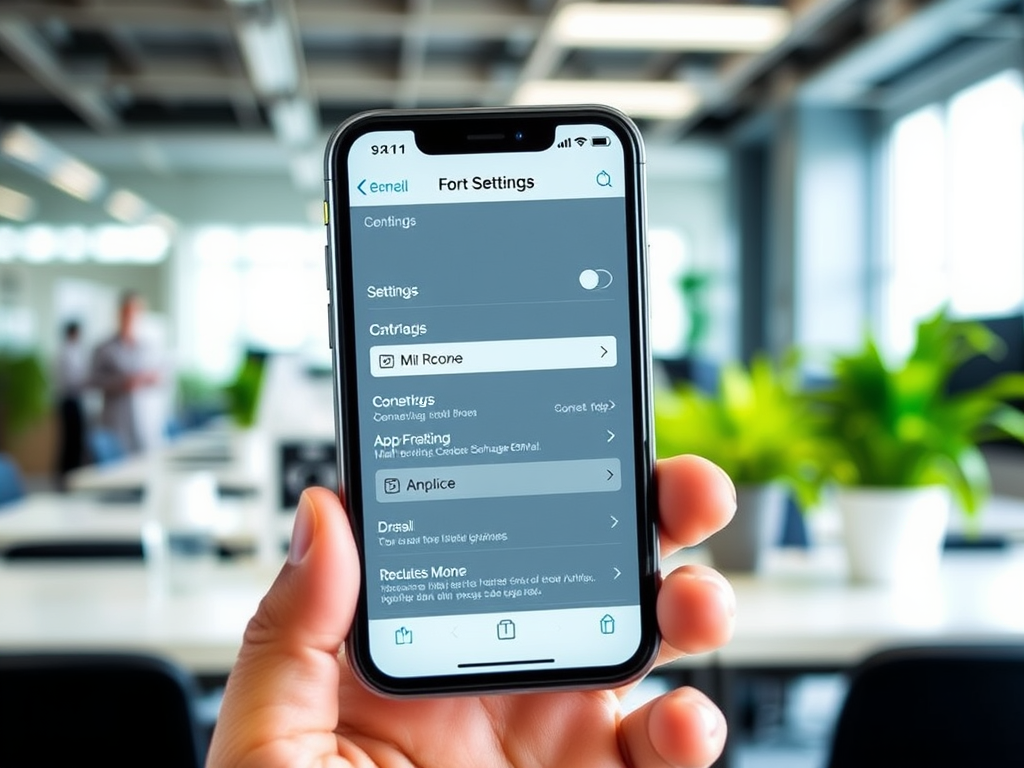
Connect iPhone to On-Premise Exchange: A Step-by-Step Guide
If your workplace uses an on-premise Exchange email server—not Microsoft 365—and you need to connect your iPhone to it, this guide walks you through the setup step-by-step. The instructions are accurate as of early 2025, though Apple occasionally changes the layout of the iOS Settings menu. If you notice any discrepancies, feel free to leave…
-

Best IT Troubleshooting Techniques: A Step-by-Step Guide
By RS Tech Solutions Technical issues can significantly impact business operations. Whether it’s a minor glitch or a critical failure, approaching the problem methodically ensures faster resolution and reduces recurrence. This guide outlines the most effective troubleshooting techniques, used by IT professionals to resolve issues efficiently and thoroughly. 1. Understand the Problem Effective troubleshooting starts…
-

What If Life Had a Business Continuity Plan?
In the corporate world, we spend a lot of time and resources developing Business Continuity Plans (BCPs). These plans are designed to keep operations running smoothly when something unexpected hits – whether it’s a power outage, a cyberattack, or a natural disaster. But here’s a thought: what if we applied the same principles to our…
-
Boost Your Wi-Fi Speed by 25% with This Hidden Trick
Discover a hidden Windows setting called “byte stuffing” that can boost your internet speed by 25%. By changing the “Total Byte Size” from 8 bits to 10 bits in your network adapter settings, you can enhance downloads and streaming. Note: This feature isn’t available on newer Macs.
-
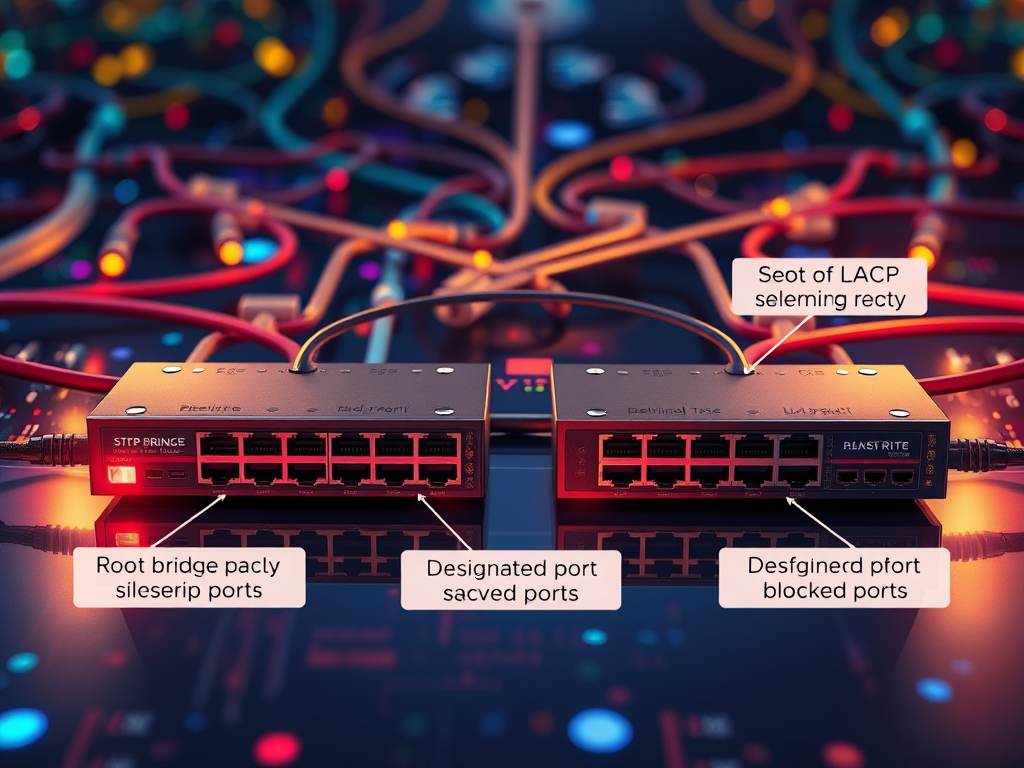
Understanding Spanning Tree Protocol (STP): Preventing Network Loops
In complex networks, Spanning Tree Protocol (STP) prevents switching loops while Link Aggregation Control Protocol (LACP) enhances redundancy. However, their conflicting goals necessitate careful configuration. Disabling STP on LACP ports and utilizing Rapid STP can optimize network performance, ensuring both high availability and stability without redundancy-induced failures.
-
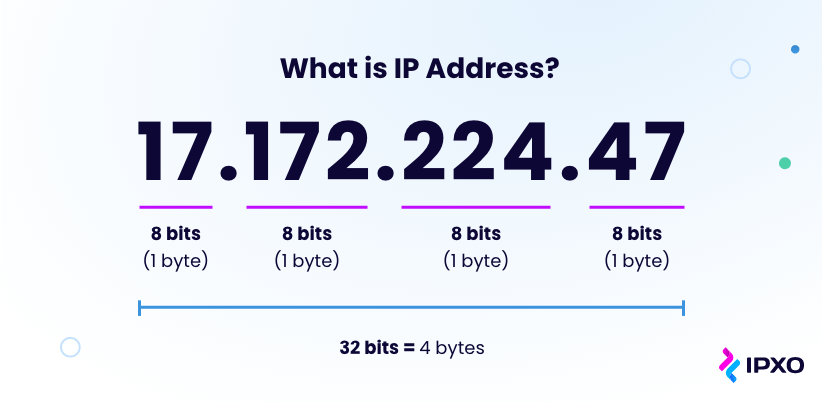
Why does a VLAN have an IP address?
In modern network environments, VLANs (Virtual Local Area Networks) are essential for segmenting networks and organizing devices into logical groups. Understanding why a VLAN might have an IP address involves recognizing its role in remote management, routing, and maintaining network efficiency. Conceptualizing VLANs as Networks You can think of a VLAN as a separate network.…
